# Create OpenG2P Registry MTS Connector
## Description
This Guide will help to create the [OpenG2P registry MTS Connector](https://docs.openg2p.org/1.1/integrations/integration-with-mosip/registry-mts-connector).
## Pre-requisites
The user must have a Program Manager role.
## Steps
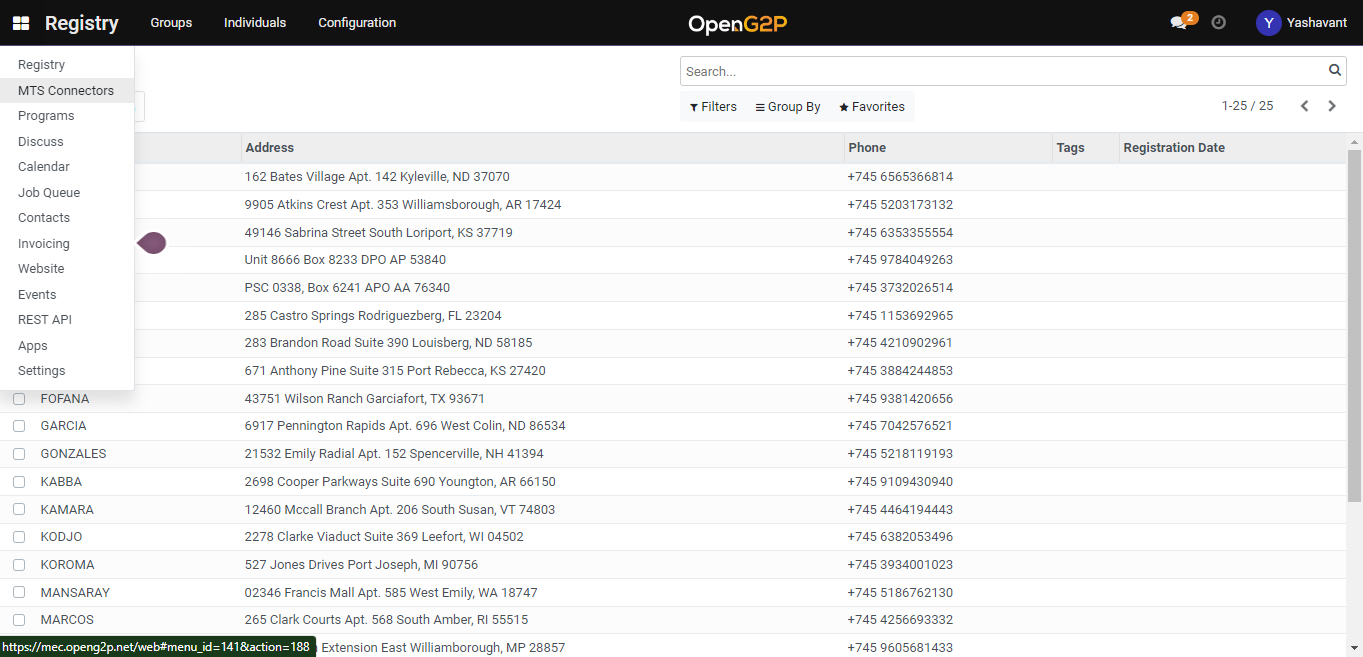
1. Navigate to the *MTS Connectors* using the menu bar.
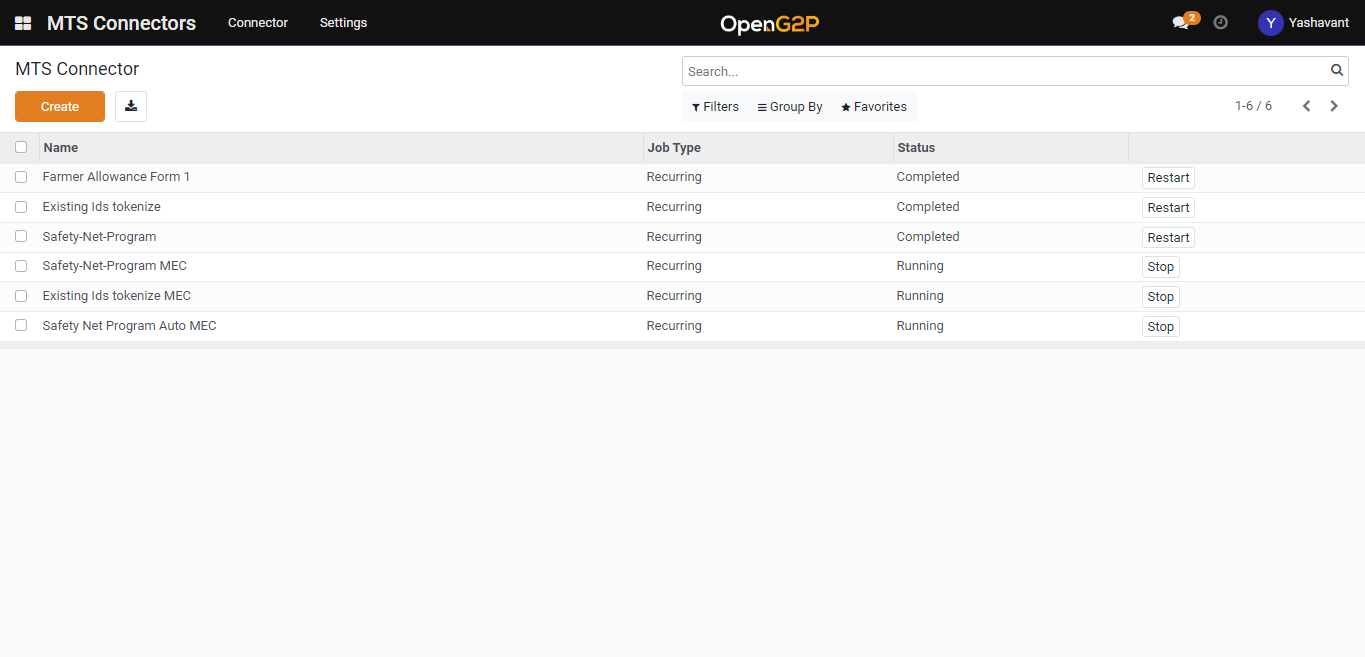
2. Navigate to the MTS Connector creation page by clicking the *Create* button.
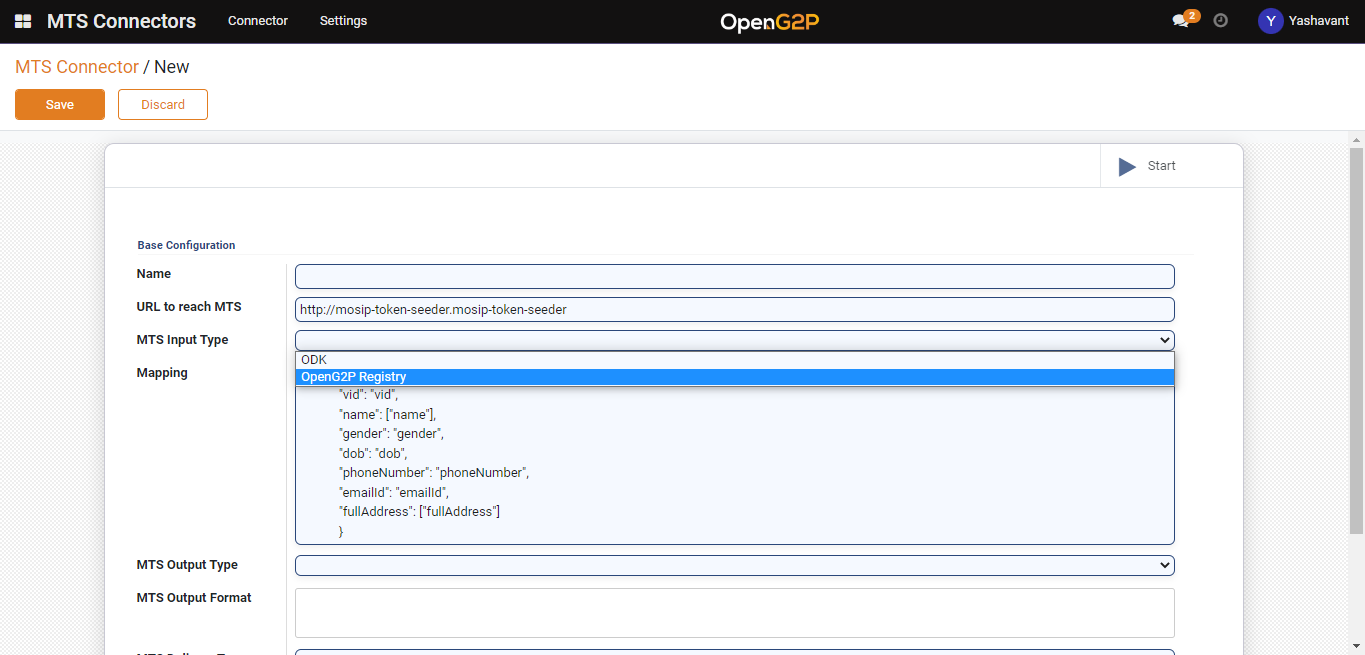
3. Set *MTS Input Type* as *OpenG2P Registry* and for other fields configuration please go through [Registry MTS Connector](https://docs.openg2p.org/1.1/integrations/integration-with-mosip/registry-mts-connector).
4. Click on the *Start* button under the MTS Connectors list view page to start the created connector.
5. Click the *Save* button and the connector will be listed under the MTS Connectors list view page.